Leadly Pulse

Every ad account you run, in one live dashboard.

Connect Meta and Google Ads and watch spend, leads and cost per lead update in one place — with AI that tells you what's working, and alerts you can set just by asking.

Free for 7 days. Connects to Meta & Google Ads · set up in minutes

A two-minute tour of the whole dashboard — Meta and Google, live.

One view

Stop stitching two ad managers together.

Meta in one tab, Google in another, a spreadsheet to reconcile them — Pulse replaces all of it. Every campaign, every dollar, every lead, in one screen that's always current.

  • Spend, leads and cost per lead across both platforms
  • Break it down by campaign, ad set or single ad
  • Numbers refresh live — no exports, no lag
The Pulse dashboard showing live spend, leads and cost per lead across Meta and Google Ads
Inside Pulse

Four tabs. Everything you need to run ads well.

Built for people who buy the ads, not for analysts. Open it and you already know where to look.

Pulse

The overview

Your accounts at a glance — spend, leads and cost per lead, trending across the dates that matter.

Reporting

The detail

Drill into any campaign, ad set or ad. Compare periods. See exactly where the money went and what it brought back.

Creative

The winners

See which creative is actually pulling — so you double down on what works and cut what doesn't.

Settings

The controls

Connect accounts, manage access and set the alerts that tell you the moment something changes.

AI built in

It doesn't just show the numbers. It reads them.

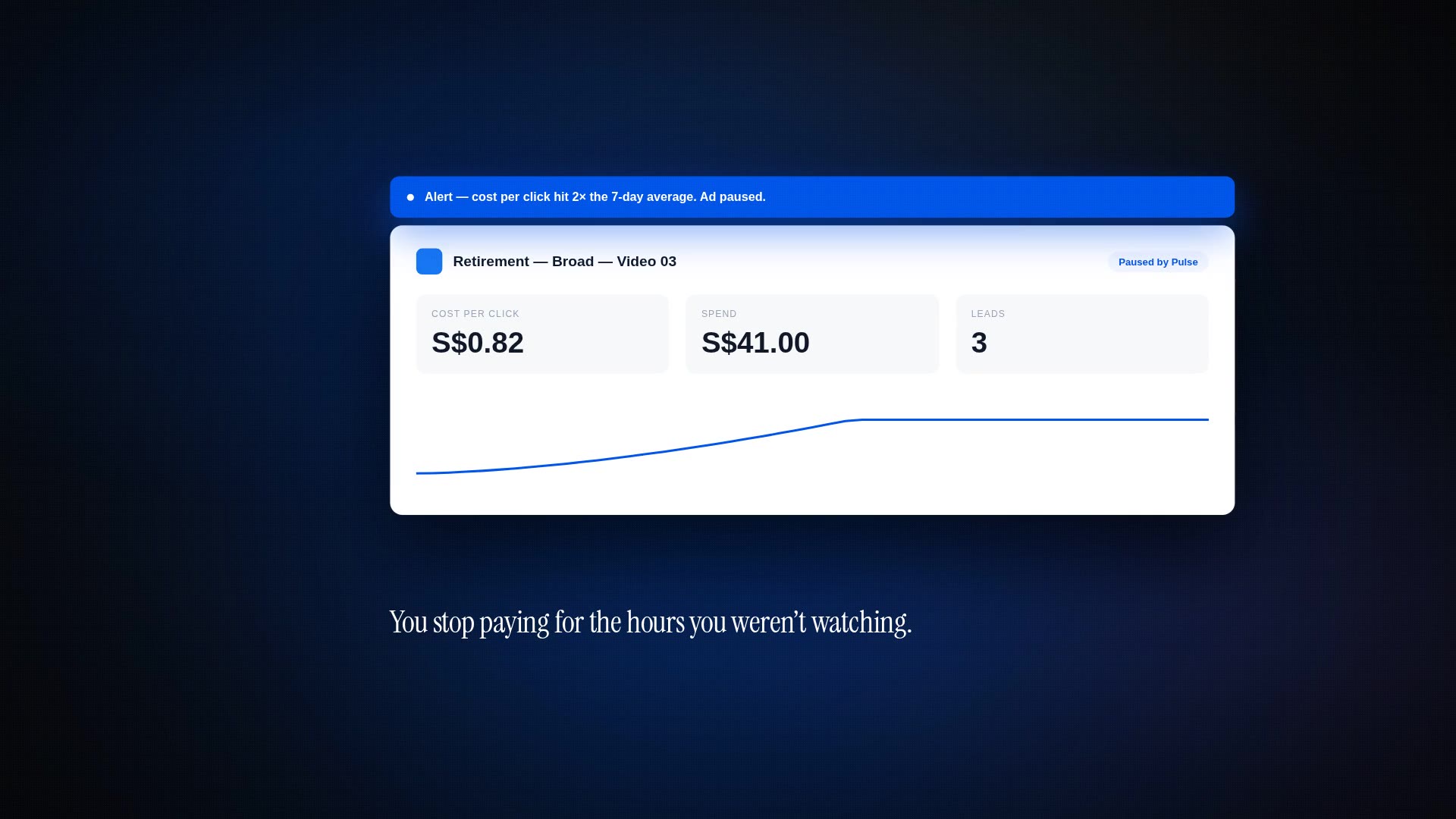
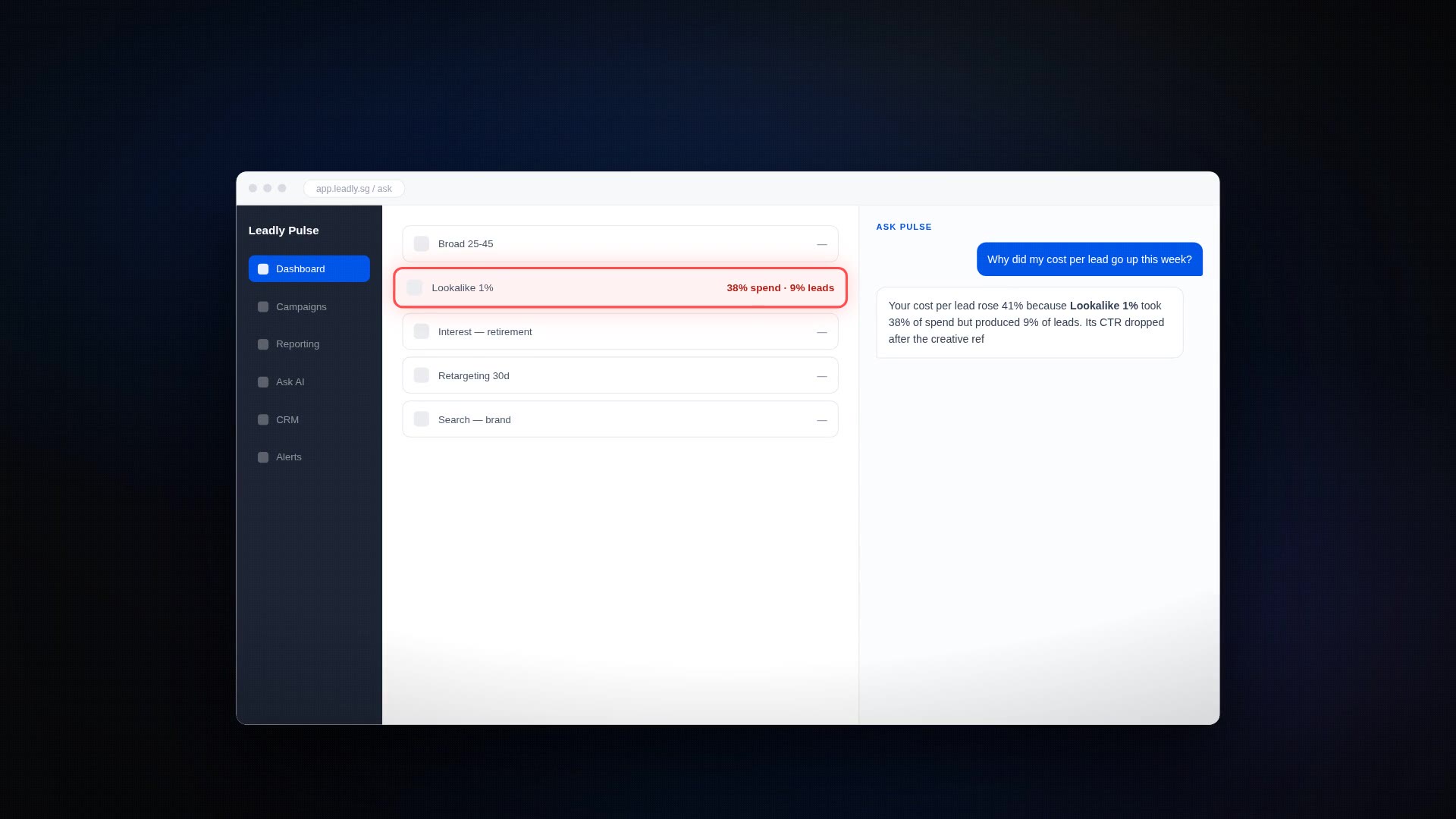
Pulse watches your accounts and writes plain-English insights — what moved, what's costing more than it should, what's worth your attention today. And when you want an alert, you just describe it: "tell me if any ad's cost per lead doubles." Done.

  • Automatic insights on what changed and why it matters
  • Set alerts in plain English — no rules to configure
  • Catch a runaway ad before it burns the budget
Pulse reporting view with AI-written insights and alerts
Up and running today

Three steps to a live dashboard.

1

Connect your accounts

Sign in with Meta and Google. A secure connection, a couple of clicks — no data to upload, nothing to install.

2

See everything, live

Pulse pulls in your campaigns and starts reporting immediately. Spend, leads and cost per lead, in one place.

3

Act on the insights

Let the AI flag what's moving and set the alerts that keep you ahead of it. Spend your time on decisions, not spreadsheets.

Pricing

Try the whole thing free for 7 days.

Every feature, no limits, for a week. Decide once you've seen your own numbers in it.

7 days free

Full access · connect Meta & Google · cancel anytime

After your trial, keep Pulse for one simple flat monthly rate. No lock-in, cancel whenever.

  • Meta and Google Ads in one dashboard
  • Live spend, leads and cost per lead
  • Reporting, creative and account views
  • AI insights and plain-English alerts
  • Secure sign-in — your data stays yours
Start 7-day free trial
Good to know

A few common questions.

Which platforms does Pulse connect to?

Meta Ads and Google Ads today, together in one dashboard. You connect them securely with your own login — Pulse reads your reporting, it never touches your budgets or settings.

What happens when the free trial ends?

Nothing breaks and nothing is charged without you choosing to continue. Your dashboard stays exactly as you set it up, and you decide whether to keep it.

Is my data safe?

Your accounts connect over a secure sign-in and your data is only ever visible to you. You can disconnect an account at any time from Settings.

Do I need to install anything?

No. Pulse runs in your browser. Connect your ad accounts and your dashboard is live in minutes — nothing to download, nothing to set up on your machine.

See your own ad numbers, all in one place.

Connect Meta and Google and have a live dashboard running before your coffee's cold.